If you have access to your Monocard profile
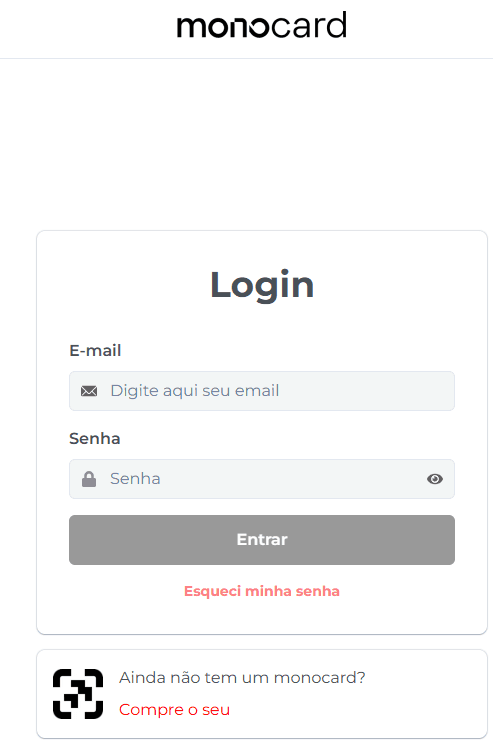
1. Go to 👉 Monocard Platform 👈;
2. Enter your registered email and password from activation;
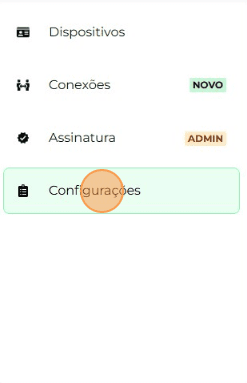
3. On the left side of your editing panel, click on "Settings";
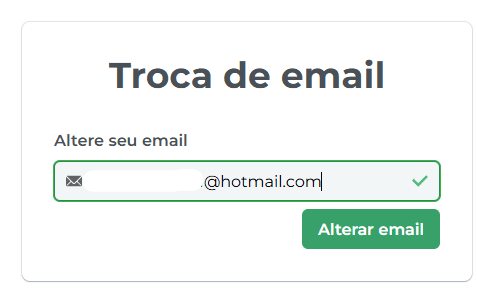
4. Enter the new desired email and "Change email";
5. You will receive a confirmation email for the change.
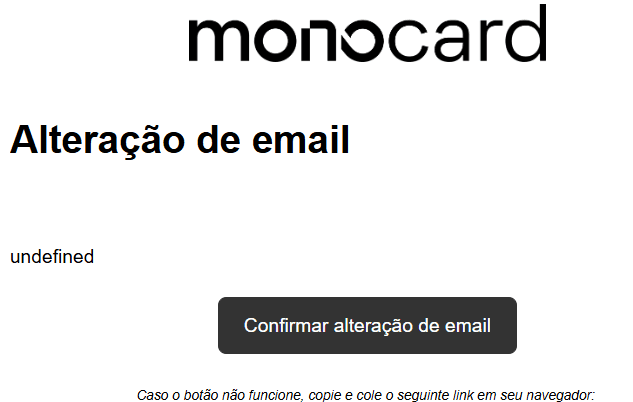
6- Confirm the change and the action will be successfully completed!
If you are unable to access your profile
Contact our contato@monocard.com.br for assistance.
Our individual support is available from Monday to Thursday from 8:00 AM to 6:00 PM and Friday from 8:00 AM to 5:00 PM through the following channels:
- Website chat (you can see this option in the bottom right corner of our page);
- Email: contato@monocard.com.br;
- WhatsApp: (31) 99500-5105;
- Social media: Facebook and Instagram;
Information that may also help you:
How to change the profile name
Did this article not help you?
Contact our support team via website chat, WhatsApp, or email contato@monocard.com.br