-
Access 👉**Monocard Platform**👈;
-
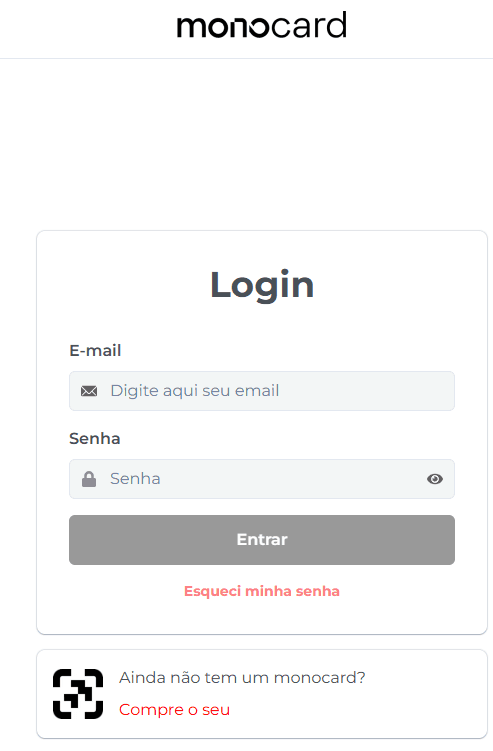
Fill in your email and password and click "Enter";
-
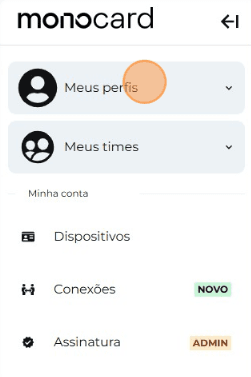
Click on "My Profiles" and access yours;
-
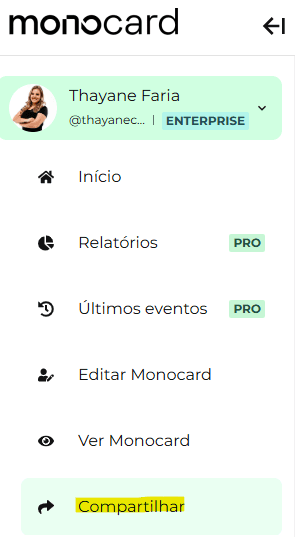
On the left side of your editing panel, click on "Share";
-
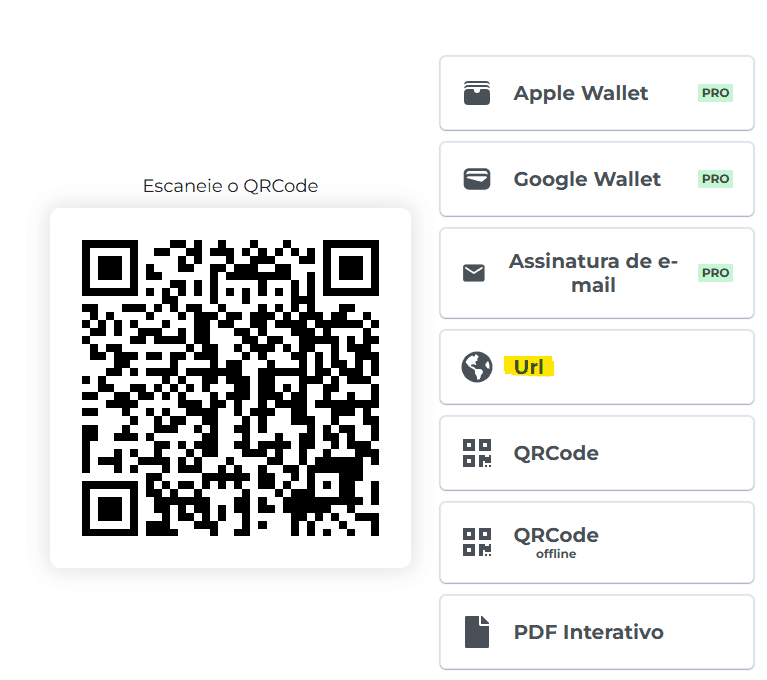
Click on the "URL" field and copy the link to your profile;
Information that may also help you:
How to change the profile name
Did this article not help you?
Contact our support team via , or by email